 6eb40f17a7
Sweeps the example code that creating-a-client.mdx and other auth docs
pull via $CodeSample, so the rendered pages match the "use getClaims()"
guidance. Also adds Database type stubs and parameterizes
SupabaseClient<Database> across SvelteKit and Hono examples.

Fixes #40985


<!-- This is an auto-generated comment: release notes by coderabbit.ai
-->
## Summary by CodeRabbit

## Release Notes

* **Documentation**
* Updated OAuth server getting-started guide to use a claims-based
consent/auth gate and preserve the authorization identifier on redirect.
* Added the `auth_methods` partial across framework sections in the
server-side “creating a client” guide.

* **Refactor**
* Updated authentication examples for Hono, Next.js, and SvelteKit to
rely on JWT claims for logged-in checks and protected routes.
* Streamlined example auth state and UI rendering to use claims-derived
information.

* **Type Updates**
* Improved TypeScript typing for Supabase clients and app auth data
across examples, including generated database type stubs.
<!-- end of auto-generated comment: release notes by coderabbit.ai -->

---------

Co-authored-by: Chris Chinchilla <chris@chrischinchilla.com>
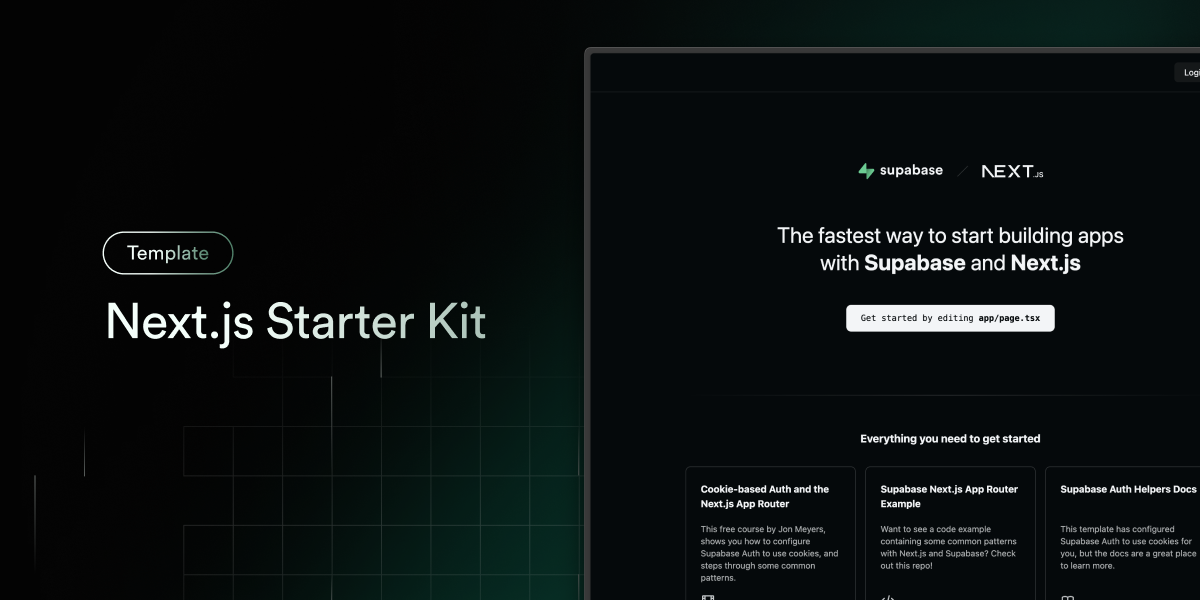
Next.js and Supabase Starter Kit
The fastest way to build apps with Next.js and Supabase
Features · Demo · Deploy to Vercel · Clone and run locally · Feedback and issues More Examples
Features
- Works across the entire Next.js stack
- App Router
- Pages Router
- Proxy
- Client
- Server
- It just works!
- supabase-ssr. A package to configure Supabase Auth to use cookies
- Styling with Tailwind CSS
- Optional deployment with Supabase Vercel Integration and Vercel deploy
- Environment variables automatically assigned to Vercel project
Demo
You can view a fully working demo at demo-nextjs-with-supabase.vercel.app.
Deploy to Vercel
Vercel deployment will guide you through creating a Supabase account and project.
After installation of the Supabase integration, all relevant environment variables will be assigned to the project so the deployment is fully functioning.

The above will also clone the Starter kit to your GitHub, you can clone that locally and develop locally.
If you wish to just develop locally and not deploy to Vercel, follow the steps below.
Clone and run locally
-
You'll first need a Supabase project which can be made via the Supabase dashboard
-
Create a Next.js app using the Supabase Starter template npx command
npx create-next-app -e with-supabase -
Use
cdto change into the app's directorycd name-of-new-app -
Rename
.env.exampleto.env.localand update the following:NEXT_PUBLIC_SUPABASE_URL=[INSERT SUPABASE PROJECT URL] NEXT_PUBLIC_SUPABASE_PUBLISHABLE_KEY=[INSERT SUPABASE PROJECT API ANON KEY]Both
NEXT_PUBLIC_SUPABASE_URLandNEXT_PUBLIC_SUPABASE_PUBLISHABLE_KEYcan be found in your Supabase project's API settings -
You can now run the Next.js local development server:
npm run devThe starter kit should now be running on localhost:3000.
Check out the docs for Local Development to also run Supabase locally.
Feedback and issues
Please file feedback and issues over on the Supabase GitHub org.