
2.8 KiB
order, title, type, label
| order | title | type | label |
|---|---|---|---|
| 5 | Basic Physics Constraint Components | Physics | Physics |
Physics constraint components are very important physical components. By using constraints, you can better control the movement of dynamic collider components and add interesting interactive responses to the scene. This article mainly introduces the three most basic physics constraint components:
-
Fixed Constraint Component
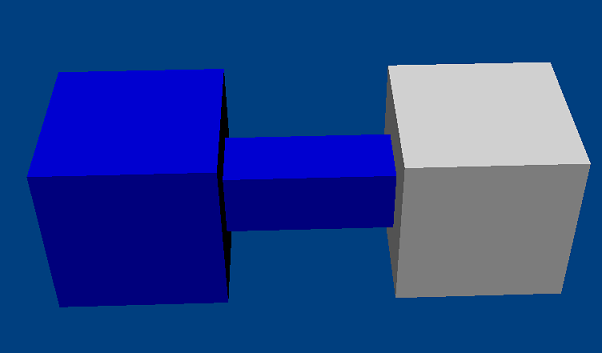
-
Spring Constraint Component
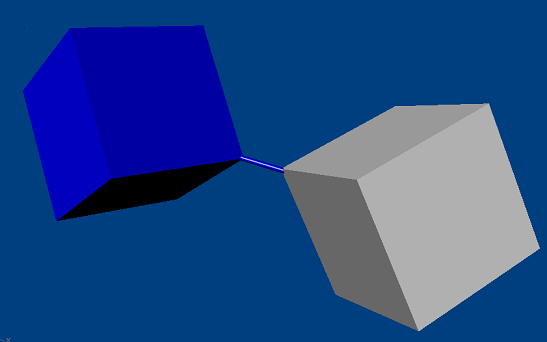
-
Hinge Constraint Component
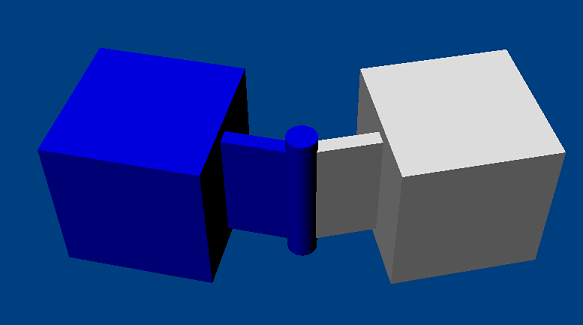
All physics constraints have two acting objects. One represents the dynamic collider affected by the physical constraint (the physics constraint component is mounted on this node), and the other is the position where the constraint is mounted or another dynamic collider (set through component configuration).
Therefore, the usage of these components is similar. Taking the fixed constraint component FixedJoint as an example:
const fixedJoint = currentEntity.addComponent(FixedJoint);
fixedJoint.connectedCollider = prevCollider;
Local Coordinates and World Coordinates
Understanding the use of physics constraint components, one key point is to understand local coordinates and world coordinates. All physics constraints can configure the connectedCollider property.
In addition, some physics constraint components can also set the position where the physical constraint is mounted by configuring the connectedAnchor property.
It is particularly important to note that when connectedCollider is set, connectedAnchor represents the local coordinates relative to that collider. When connectedCollider is null,
connectedAnchor represents the world coordinates.
Hinge Constraint
Among the above three physics constraints, the hinge constraint is relatively more complex because, in addition to configuring connectedCollider and connectedAnchor, it also requires specifying the direction of the hinge's rotation axis and the rotation radius.
These two properties can be specified by configuring axis (the default direction is towards the positive x-axis) and swingOffset.
The swingOffset is also a vector and can be understood as the offset from the rotation center determined by connectedAnchor and connectedCollider, where the dynamic collision is moved to this point to start rotating around the rotation axis.
The usage of the above physics constraint components can be referred to: